- Home
- ServicesCrafted for Growth
Our development solutions are designed to transform your vision into a thriving success story.
- TechnologiesTech Solutions
We leverage cutting-edge technology to drive efficiency, scalability, and excellence in every project we undertake.
- Contact Us
AI Agent Orchestration: How to Make Multiple AI Agents Work Together
Posted By
naxtre
Published Date
26-06-2026
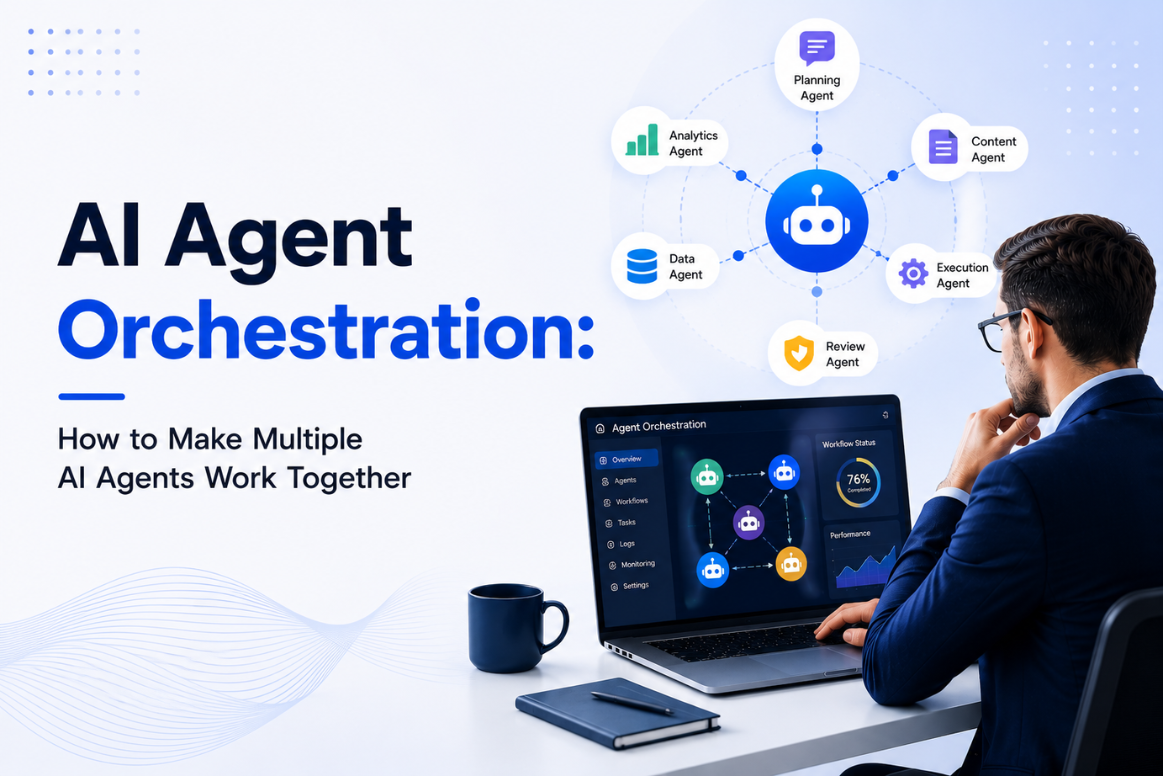
AI agent
orchestration means getting several AI agents to work together as one smooth
system instead of a messy crowd. It decides which agent does what, how they
pass work to each other, how the system recovers when one fails, and how to
keep costs in check. One agent is a helper. Orchestration is what turns many
helpers into a real team.
By 2026, most
teams have proven that a single AI agent can do useful work. The harder part
comes next: running ten, fifty, or a hundred agents together without the whole
thing turning slow, unpredictable, or expensive. Think of it like running a
kitchen. One cook is easy. Fifty cooks need someone deciding who does what, or
dinner never ships. That is the job AI agent orchestration does.
This guide explains it in plain words. We will define it simply, compare one agent with many, walk through four easy-to-follow patterns, list the controls every system needs, and help you decide when many agents are worth it. It is the companion to our main report on AI agents in production and our guide to AI agent governance.
Key takeaways
·
AI agent orchestration gets
multiple agents working together: who does what, how they hand off work, how
failures are handled, and how costs stay under control.
·
It is the last and hardest step
of getting agents ready, sitting on top of clean data, system access, and
governance.
·
Most failures here are not
about smart models. They are about agents not working together smoothly, no
clear view of what is happening, and costs that pile up fast.
·
There are four simple patterns:
a line (one after another), a boss-and-helpers setup, a split-and-merge, and a
react-to-events setup.
· Every real system needs five controls: routing, shared memory, monitoring, a backup plan, and a spending limit.
What is AI agent orchestration?
AI agent
orchestration is the layer that makes several AI agents behave like one team
instead of a group of bots all doing their own thing. A single agent handles
one job. An orchestrated set of agents decides which agent handles each step,
passes the right information between them, keeps shared notes in order, and
lets you see and fix the whole flow when something breaks. (You may also hear
this called AI agent coordination, which is just a plainer way of saying the
same thing.)
Why does this
matter now? Because of scale. Gartner expects 40% of enterprise apps to use
task-specific AI agents by the end of 2026. The moment you have more than one
agent working on a task, you get the same headaches any busy team has: people
stepping on each other, one person dropping the ball, and the bill growing
fast. Orchestration is how you plan for those headaches instead of being
surprised by them later.
Put simply: the model decides what one agent says. Orchestration decides how the whole group behaves. The second part is what usually stops multi-agent projects from going live.
One agent vs many agents: what changes?
Going from one
agent to many is not a small step. It changes what you have to build. The table
below makes it clear.
| What to think
about | One agent | Many agents working together |
|---|---|---|
| Job | One
task at a time | Many tasks shared across agents |
| Memory | Just
its own | Shared notes everyone can use |
| If it fails |
Fails on its own | One failure must not break the rest |
| Seeing what
happens | One simple trail | A full trail across all agents |
| Cost | Easy
to predict | Grows fast; needs a limit |
| Biggest risk
| A wrong answer | Errors spreading and surprise bills |
| Main focus |
The prompt and tools | Orchestration and controls |
The takeaway is simple: a group of agents is really a teamwork problem in disguise. The teams that win treat AI agent orchestration as plumbing they build carefully, not as a clever prompt.
What are the four AI agent orchestration patterns?
In real projects, four patterns do most of the work. Picking the right one for each job is the key decision. Here they are in plain terms.
1. The line (one after another)
Agents run in a fixed order, each handing its work to the next. Good for clear, step-by-step jobs like research, then write, then check. It is easy to follow. The catch is that if one step is slow or fails, everything behind it waits, so check each handoff.
2. Boss and helpers
One "boss" agent plans the work and hands pieces to specialist "helper" agents, then puts the results together. This is the most common setup for bigger jobs because it works like a team lead and their team. The boss is the key control point, so its instructions and limits must be clear.
3. Split and merge
Several agents work at the same time on separate pieces, and their results are combined at the end. Great for speed when the pieces do not depend on each other, like reviewing many documents at once. The tricky part is merging results that disagree and watching the cost of many agents running together.
4. React to events
Agents act when
something happens, like a new message or a new order, instead of following a
fixed script. This fits real-time and long-running work. It is the most
flexible, but also the hardest to watch, because the behavior depends on events
rather than a set path.
Most real systems mix these. A boss-and-helpers setup might split work in parallel and start whenever an event arrives. The skill is matching the pattern to the job, not forcing one pattern everywhere.
What controls does every orchestrated AI system need?
Patterns
explain how agents relate. The controls are what keep them reliable once real
users arrive. Every serious system needs these five.
Routing. A
clear way to decide which agent gets which task and in what order, with simple
rules for how information is passed along so nothing gets lost.
Shared memory.
Agents need one shared place to read and write notes, with rules so two agents
do not act on old or clashing information. Clean data
analytics services and solid data setup make this possible.
Monitoring. You
need to see the whole flow from start to finish, not just one agent at a time.
When something goes wrong in a chain of ten agents, you must spot exactly
where. This is a core DevOps and cloud engineering job.
A backup plan.
The system must handle one agent failing without the rest falling apart:
retries, time limits, and a safe way to slow down or stop.
A spending
limit. Costs add up quickly because agents call other agents. A budget per job,
with limits and alerts, stops a runaway loop from creating a shock bill.
These five controls are the heart of good orchestration. Get them right and the patterns above run safely. Skip them and even a clever setup breaks under real use.
How do you set up AI agent orchestration, step by step?
The safest way
is to build it bit by bit, proving each part before adding more. Here is a
simple order to follow.
Start with the
job, not the agents. Map the whole task first and ask where many agents truly
help over just one. Many problems only need one good agent, not a crowd.
Pick a pattern
for each job. Match the line, boss-and-helpers, split-and-merge, or react-to-events
setup to the real shape of the work. Do not use one pattern for everything.
Agree on
handoffs. Decide exactly what information passes between agents and in what
form. Sloppy handoffs are where teams of agents quietly lose track of things.
Add monitoring
before you grow. Put start-to-finish tracking and a spending limit in place
before you add the second agent, not after the tenth. This works hand in hand
with the controls in our AI agent governance guide.
Add agents one at a time. Prove each new agent makes the result better and stays within cost and speed limits before adding the next. If your team does not have this experience in-house, a dedicated development team with artificial intelligence development experience can set this up far faster than learning it during a live problem.
When should you use many agents, and when not?
This is the
question that saves the most money, so be honest about it. Use many agents when
a job clearly breaks into separate parts, when doing things at the same time
really speeds it up, or when different steps need different tools or
permissions. Deep research, multi-step document work, and long-running
operations all fit.
Do not use many agents when one good agent can do the job. More agents mean more orchestration, more cost, and more ways to fail. As Deloitte's research on agentic AI points out, the controls often struggle to keep up with how fast these systems get deployed, and every extra agent widens that gap. If you cannot clearly explain why a job needs more than one agent, it probably does not. The most expensive setup is the one you did not need.
The bottom line
AI agent
orchestration is where a team of agents either becomes something you can rely
on or an expensive experiment. The smarts are rarely the problem. Teamwork,
clear visibility, handling failures, and controlling cost are. Pick the right
pattern for each job, put the five controls in place before you grow, and add
agents one proven step at a time.
Most of all, stay honest about whether a job needs many agents at all. The teams that win in 2026 are not the ones running the most agents. They are the ones running exactly the agents they need, with full visibility and a budget. If you are planning a multi-agent system and want a second opinion, book a 30-minute AI readiness review and we will look at it with you.
Frequently asked questions
What is AI agent orchestration?
AI agent
orchestration is getting several AI agents to work together as one reliable
system. It manages who does what, how agents pass work to each other, how
failures are handled, how the system is watched, and how costs stay under
control.
What is the difference between one agent and a multi-agent system?
One agent
handles a single task. A multi-agent system shares many tasks across specialist
agents, keeps shared notes in order, must stop one failure from breaking the
rest, and needs full visibility and a cost limit. It is a teamwork problem, not
just a prompt.
What are the main AI agent orchestration patterns?
Four patterns
are most common: the line (agents one after another), boss-and-helpers (one
agent delegates to specialists), split-and-merge (agents work at the same time,
then combine), and react-to-events (agents act when something happens). Most
systems mix them.
What controls does a multi-agent system need?
Five: routing
(who does what), shared memory (one place for notes), monitoring (a full view
of the flow), a backup plan (handle failures safely), and a spending limit (a
budget per job with alerts).
Why do multi-agent systems get expensive?
Because agents
call other agents, so one job can trigger many model calls. Without a budget,
limits, and alerts, a loop of agents calling agents can create a large,
unexpected bill.
When should I avoid using many agents?
When one good
agent can do the job. More agents add orchestration work, cost, and more ways
to fail. If you cannot clearly explain why a job needs several agents, a single
agent is usually better.
How is orchestration related to AI agent governance?
They work
together. Governance sets what each agent is allowed to do and how to stop it.
Orchestration sets how agents work together to finish a job. Monitoring and
cost control sit in both, so they should be planned together.
Let's Talk
About Your Idea!